VoIP SoftPhone
A VoIP softphone is a VoIP software application that you download on your computer or laptop to make telephone callsvia the Internet. This type of method was the first system developed and most used in the early years of IP Telephony.
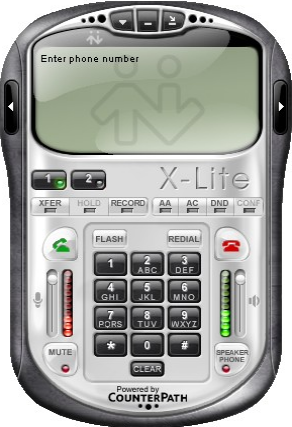
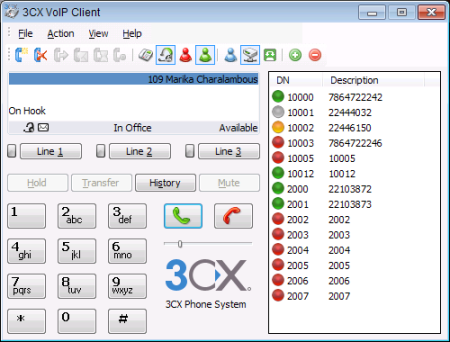
Typically a VoIP soft-phone has a dial-pad where you browse its features such as phone book, chat, and voice-mail. You can also adjust volume, access call history and do more things. It looks like this...
Requirements
To make a VoIP phone call using the above software you need the following:
1. A laptop or a desktop computer combined with a headset and a microphone

2. Internet access such as Wifi, DSL, Cable and so on
How it works
Pros and Cons of VoIP Softphone
Pros
- Free and available to download from providers' website
- Easy to install
- Can be used for IM (Instant Messaging), Voice and Video call
Cons
- You depend on your laptop/computer and a VoIP headset
- It's not like a hard phone that you can touch and feel
- Voice quality may not be as great as when using a dial-up ATA or other types of VoIP devices
Tips
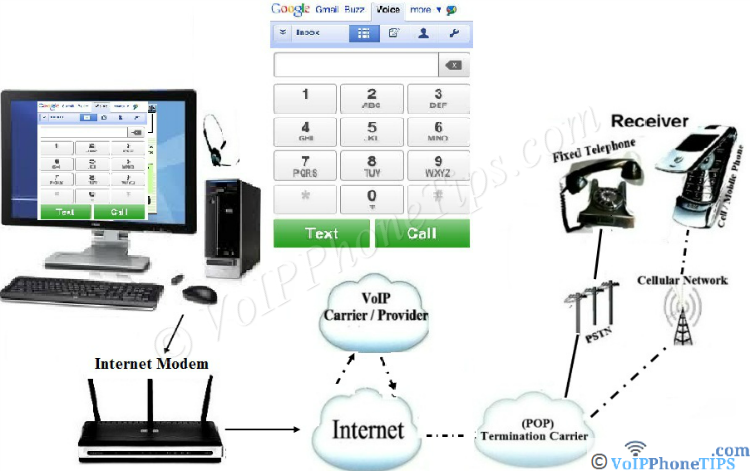
✔ Want to avoid downloading a software on your computer? Use browser based soft-phone (as shown on the above diagram)
✔ Beside a softphone application for PC and laptop, nowadays you can use mobile dialers (apps) on PDA and smart phones they are becoming popular
Early Pioneers
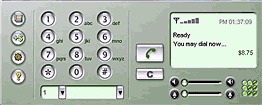
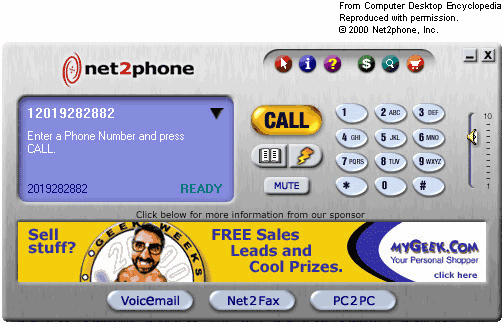
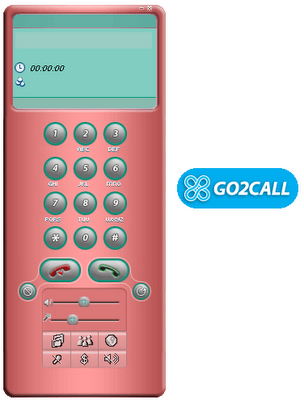
The following providers are the early pioneers; in other words, the first ones to offer free C-to-PC and PC to Phone calls:


Latest Top VoIP Softphone Providers
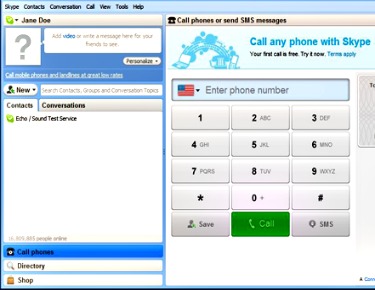
Keep taking advantage of free VoIP PC and mobile based application. After-all it is very handy and portable that can be used from anywhere we go.
Have A Comment About
VoIP Soft-Phone?
Use the following simple form to share your VoIP soft-phone comment, question or tips....
External Resources:
Softphone - Wikipeadia
VoIP › Software › VoIP Softphone
Welcome
Intro
VoIP Phone Service
Directory
Resources



Business Providers



Residential Providers